
The Wilson County Court Calendar
There is no single printed daily sheet for Wilson County. Instead, the calendar lives across several connected Judicial Branch channels. Wilson County's court location page links the civil and criminal calendar services. The statewide Portal can pull up current hearings for a known case or party. The Case Summary, also called the Register of Actions, sometimes includes a Hearings section. That extra section appears when the information exists.
Use the calendar view for published settings and the case record for context. A notice, status report, prior setting, or financial entry in a file does not guarantee the next hearing is still on. Wilson County runs on one unified state-court system. So the court type and whoever owns the calendar matter more than hunting for a separate municipal list.
Wilson County posts no one permanent daily-docket printout. Treat the published civil and criminal calendar links as useful views. They are not proof that every setting appears in one place. When a specific date counts, compare the current hearing search, the Case Summary, and the right local contact. That three-part check helps most. A notice, a calendar form, and a Portal entry often use different scheduling words.
Each channel answers a different question. Search Hearings finds a current event. Smart Search holds the public case history. The calendar service gives the published court view, and the coordinators and clerk handle human confirmation. Working through them in that order keeps a docket search pointed at the current Wilson County setting.
Note: A prior calendar entry documents an earlier setting, not a confirmed current appearance date.
Wilson County Portal Hearing Search
North Carolina eCourts Portal offers a Search Hearings function for current Wilson County settings. Pick Wilson County first. Then choose a hearing type and a search method. Enter the matching information, set a date range, and submit. Supported routes include case number, party, business, attorney, attorney bar number, judicial officer, and courtroom. Column headings sort the results.
A case number is usually the cleanest start. A name search works when no number is at hand. For a courtroom call-list view, the Portal guide suggests one room on a single day. Then ask the courtroom clerk how that court calls its cases. That keeps a sorted list from being mistaken for the actual order of appearance.
The state civil and criminal calendar service is the official calendar interface. It is the one linked for Wilson County.
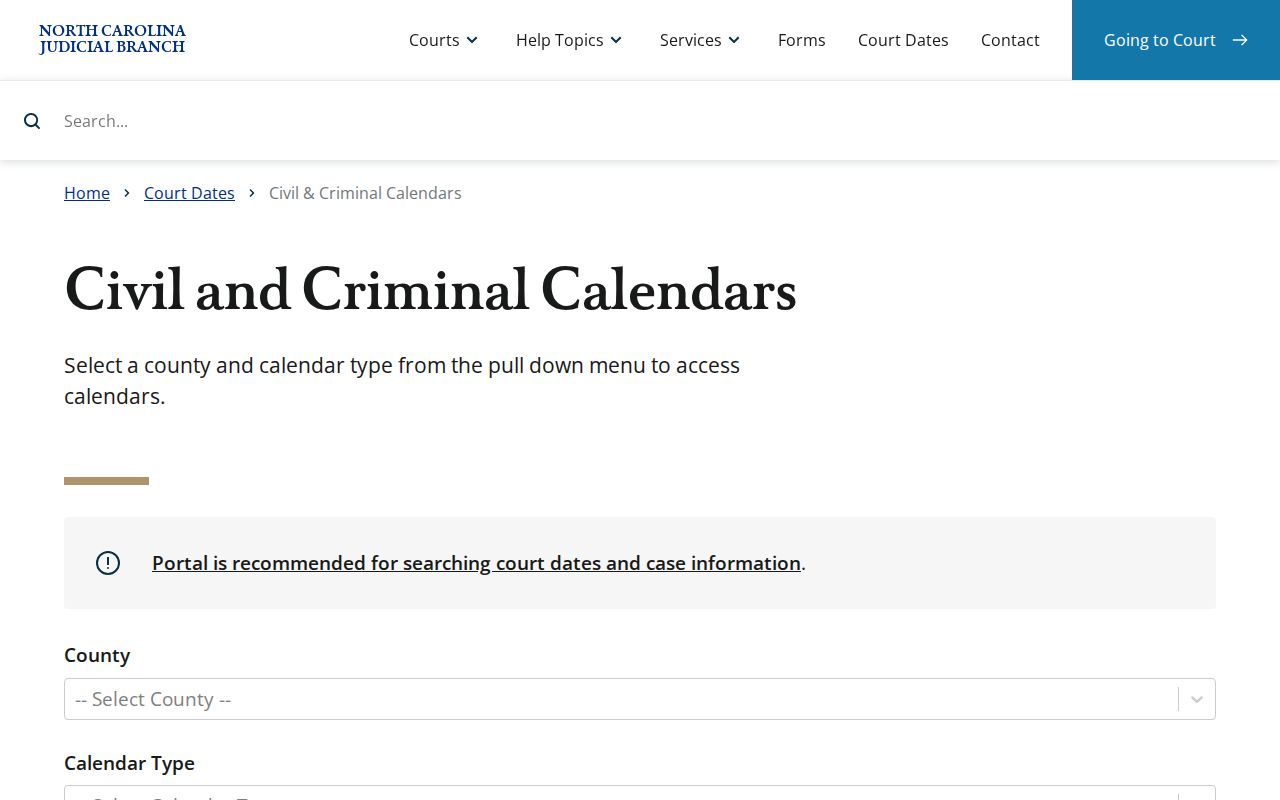
The calendar service is one piece of confirming a Wilson County court date, sitting alongside Portal hearing results and the local court contacts.
How to Find Your Court Date
Start with the identifier printed on the notice or case papers. Portal Search Hearings finds a current setting. Smart Search opens the case history and may show its Hearings section. If the online result stays unclear, try the published civil or criminal calendar. Then call the Wilson County office that owns that calendar. The courthouse counter is the in-person fallback for any case located in Wilson County.
- Open Portal and select Wilson County as the location before entering a case number, party name, business name, attorney name, bar number, judicial officer, or courtroom.
- Set a date range and read the current hearing result, including its time and location.
- Open the same matter in Smart Search and compare the Hearings section and recent Case Summary events.
- Check the civil or criminal calendar service when a published calendar view is useful for the setting.
- For a moved, uncertain, or missing setting, contact the Superior coordinator at (252) 206-3016, the District coordinator at (252) 206-3012, the Criminal clerk at (252) 206-3000, or the Civil clerk at (252) 206-3003; the clerk counter is another route.
Wilson County Court Calendar Search Fields
A Wilson County calendar search often asks for more than a name when results need narrowing. Location, hearing type, search type, a matching identifier, and a date range make up the Portal workflow. The hearing-type list is dynamic, so choose the option Portal currently offers rather than a copied local list.
- Location
- Select Wilson County before searching for a Wilson County setting.
- Hearing type
- A current Portal category used with the hearing search.
- Judicial officer
- A Portal search choice for a setting associated with a listed officer.
- Courtroom
- A Portal search choice that can narrow a calendar view to a particular room.
Portal Search Hearings does not say whether an event is virtual or in person. A separate event link may exist outside Portal. Confirm that detail with the coordinator, the clerk, an attorney, or a current court notice. Do not assume it from the hearing result.
Note: A hearing-search result supplies calendar data. A current notice or court contact supplies any appearance instructions beyond that result.
Reading a Court Setting
A Wilson County court setting is a scheduled court event. It is not a prediction of the outcome. Read each field with the case number in hand. The current hearing result carries the practical location and time. The Case Summary adds the surrounding public history. Later action can change a listing, so rely on the most current result available.
| Date | The calendar day inside the Portal date range or published court calendar. |
|---|---|
| Time | The time returned for the current hearing; it should not be confused with every case's call order. |
| Courtroom | A selectable Portal field and result location when the hearing information supplies it. |
| Judicial officer | A searchable Portal criterion when a hearing is associated with a listed officer. |
| Setting type | The dynamic hearing category selected in Portal, such as a hearing or another current court event. |
Wilson County Court Calendar Forms
Scheduling paperwork in Wilson County goes by many names. The local list includes a Calendar Request for Superior Court, a Civil Case Status Report, a District Court Notice of Hearing, a Notice of Hearing, and a Request for Peremptory Setting. Continuance material for criminal cases and infractions appears on the same page.
The names matter when you read a docket. A calendar request or status report is just one step in a scheduling workflow. It asks for something; it decides nothing. So a filed form alone never proves a hearing was granted, moved, or canceled. The Portal is the public place to read the Case Summary and search hearings. Read the current form version and the local rules before making any procedural request.
The Wilson County local rules and forms page publishes the calendar resources the county actually uses, from hearing notices to the continuance rules for criminal cases and infractions.
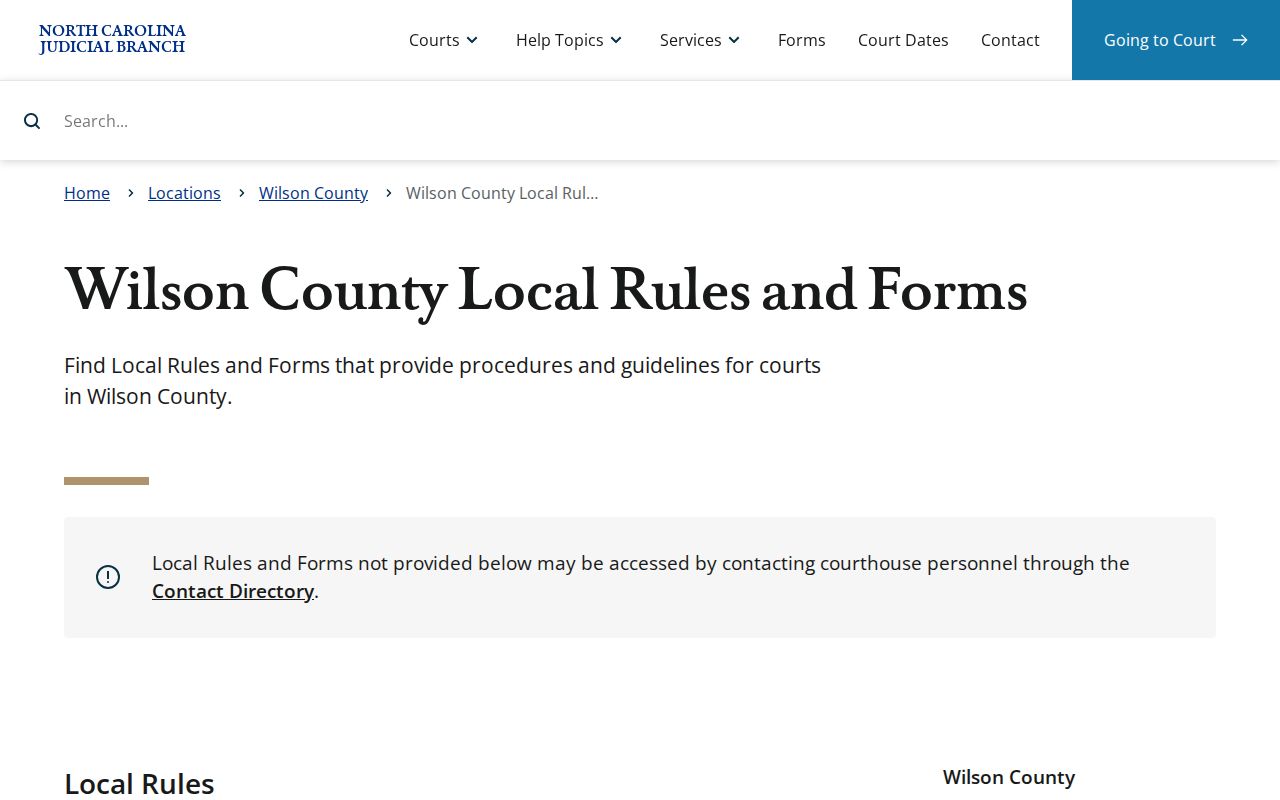
A Wilson County setting can turn on a request, a notice, or a continuance long before anything shows up in a public search result. The local materials walk through that side of the court docket.
Resets, Continuances, and Cancellations
A continuance just means a later setting. A delay is not a dismissal. Wilson County's local materials cover continuances in criminal cases and infraction matters. No single reset procedure fits every case type. A cancellation, a fresh notice, or a calendar request may follow its own path. A peremptory setting may too. So confirm the particular case and court rather than trusting an older calendar listing.
When a setting moves, check the current Portal hearing against the Case Summary. The state calendar view helps if one is available. For calendars, the Superior and District trial court coordinators are the direct confirmation paths. For a case question, call the Criminal or Civil clerk section, not a city office.
Portal results are useful leads. When a setting has moved, only the calendar owner can settle the doubt.
Wilson County Court Date Confirmation
A blank result is not the last word. A "No hearings match your search" message does not prove Wilson County has no setting. The official Portal guidance tells you to recheck spelling and format. It also covers the Odyssey location, whether the record exists, and whether access is restricted. A narrow date range can hide the hearing. The wrong county does too.
If the search is empty, open the case record. Then call the coordinator for a calendar question or the right clerk section for a case-record question. A virtual link sits outside the hearing search, Portal notes, when one exists at all. An attorney or a current notice can supply case-specific appearance instructions. The public result does not display those.
What To Do If You Miss a Setting
Act fast after a missed Wilson County setting. Check the case in Portal for the current hearing or any later case event. Call the attorney if one is on the case. The clerk or the appropriate trial court coordinator can identify the current calendar contact. Only the court can determine the effect of a missed appearance. Only the court can set the next procedural step.
Missed a Setting? A missed court appearance can carry case-specific consequences, so contact the Wilson County clerk section, the calendar coordinator, or counsel as soon as possible.
Do not assume that an older Portal entry sets a replacement date. Confirm the current setting through the court's available channels before relying on it.
Wilson County Calendar and Case Summary
Search Hearings and Smart Search answer different questions. Search Hearings is built to find a current event by date, location, person, case, officer, or courtroom. Smart Search opens the Case Summary, the public chronology and index built on the clerk's official record. Its Hearings section appears only when information exists.
Wilson County joined the eCourts conversion in April 2025. It was part of Track 8, the eastern-county group. The statewide Judicial Branch later reported all 100 counties converted. Older events moved into the Odyssey system. Portal guidance warns that a converted pre-go-live event can carry a 12:00 AM time stamp. That stamp is not a hearing result.
Run the hearing search first. Then open the case number for its history. For the local case-search method and the Portal filters, see the Wilson County case search. That order keeps a current hearing apart from an old event, a financial entry, or a judgment-index result.