
Searching Cases by Name
Wilson County keeps no separate county case-search database. Every search runs through the statewide Portal maintained by the Judicial Branch. Open Smart Search, then filter or select Wilson County as your location. The Portal accepts party names, attorney names, business names, nicknames, and several non-name search types. For a person, its published format is Lastname, Firstname.
Try an exact name first. Wildcards can widen a search. But the official minimum is three last-name characters plus * and one first-name character plus *. Scan the matching parties and case numbers before opening anything. Public results mask the month and day of birth. So the year alone can't confirm identity.
- Open North Carolina eCourts Portal and choose Smart Search.
- Choose Party Name and enter the surname first, followed by the first name.
- Select Wilson County in the location controls, then add a case type, status, or filing-date range only when it will narrow the return.
- Open the underlined case number for the public Case Summary, also called the Register of Actions.
| Field label | Type | Required | Wilson County use |
|---|---|---|---|
| Search Type | Dropdown or tab | Yes | Choose Party Name for a person-name query. |
| Search text | Text | Yes | Use Lastname, Firstname; published wildcard minimums apply. |
| Location | Dropdown | No | Select Wilson County to narrow the statewide service. |
| Case Type / Status | Dropdown | No | Use a matching type and status only if needed. |
| Filing Date Range | Date fields | No | Useful for reducing a broad result set. |
Wilson County Portal Smart Search
Smart Search is the public case-lookup route for Wilson County. Party name, record or case number, citation number, attorney bar number, attorney name, business name, case cross-reference number, or nickname all work as search keys. Any of them starts a Wilson County docket search. The public Case Summary gathers public docket entries from the clerk's official record. It is not the clerk-certified original case file.
Public searching is anonymous. Registering lets you save cases in My Cases. But official guidance says registration grants no extra access. Elevated Access exists for people and agencies with verified statutory authority. It is not an upgrade for ordinary public searches. The Portal's official search and payment landing page is the entry point for Wilson County Smart Search. It shows the statewide system itself.
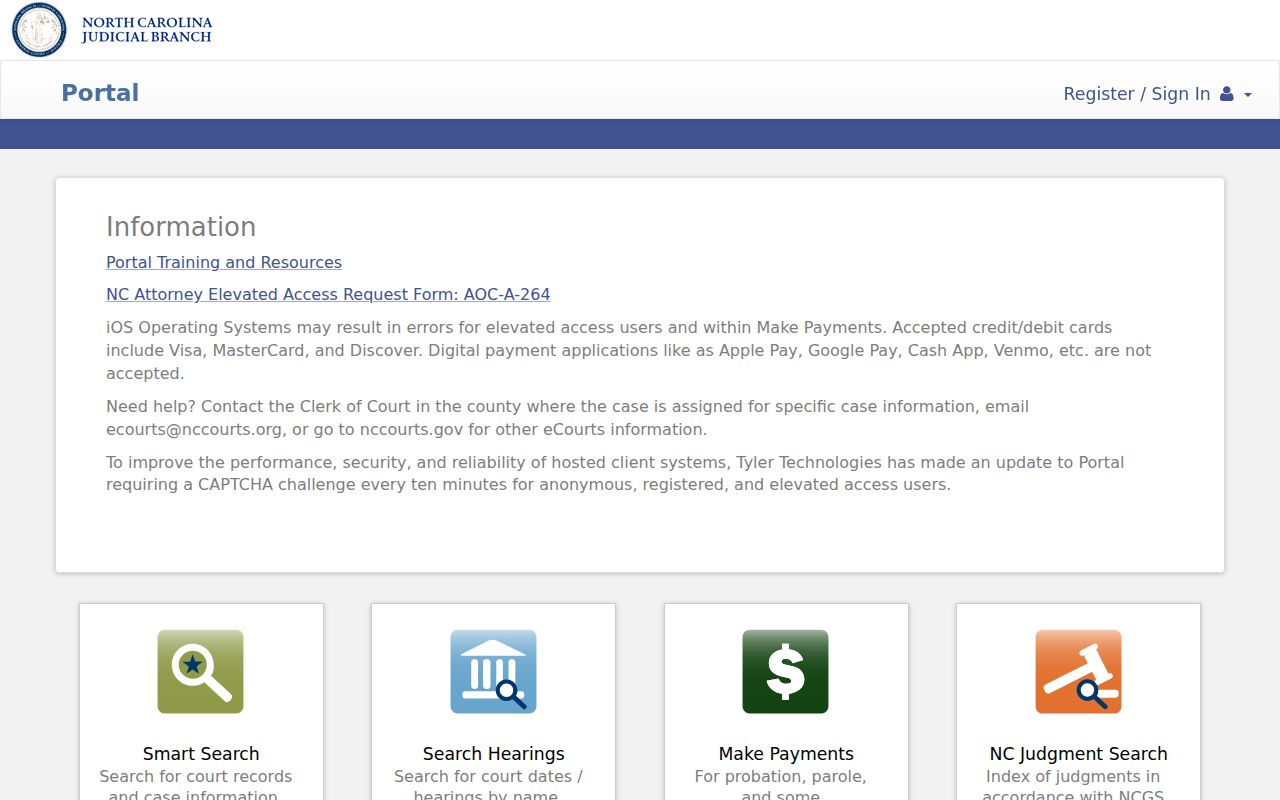
The Portal screen is state-operated. For a Wilson County case search, it is the public route rather than a private case-listing service.
Searching by Case Number
A case number is often the sharpest Wilson County case-search key. New Enterprise Justice numbers carry four parts. Those are a two-digit year, case-type letters, a six-digit sequence, and a three-digit county identifier. The format reads YYAA000000-000. Copy the final county digits from real Wilson case materials or a Portal result. Never guess them from an example.
Enter the record number exactly as it appears. Portal allows a case-number wildcard only after at least four characters plus *. An older case that seems missing may just be in the wrong location, format, or restriction status. Check those before concluding the record does not exist. Events converted from before Odyssey go-live can show a 12:00 AM time stamp. That signals conversion rather than an actual hearing time. Keep in mind that the last three digits are county-specific. So an illustrative Odyssey number will not work as a Wilson County search number.
Wilson County Case Number Format
The four parts of an Odyssey number describe the record format. They do not tell you every fact about a case. The year and case-type letters help steer the search. The sequence marks the filing within the system. Meanwhile the three-digit county identifier ties the number to the right location. The official illustrative number is not a Wilson case. Never reuse it as one.
- Record number
- The Portal name for the formatted case identifier used to open a case.
- Case Summary
- The public Register of Actions based on the clerk's official record.
- Case status
- A Portal filter label, not a complete dictionary of local clerk entry codes.
- Citation number
- An identifier on a traffic or infraction citation that Portal also accepts.
Enterprise Justice and Tyler File & Serve are the statewide case-management and filing tools behind eCourts. That official page covers filing functions, while public search serves a different purpose.
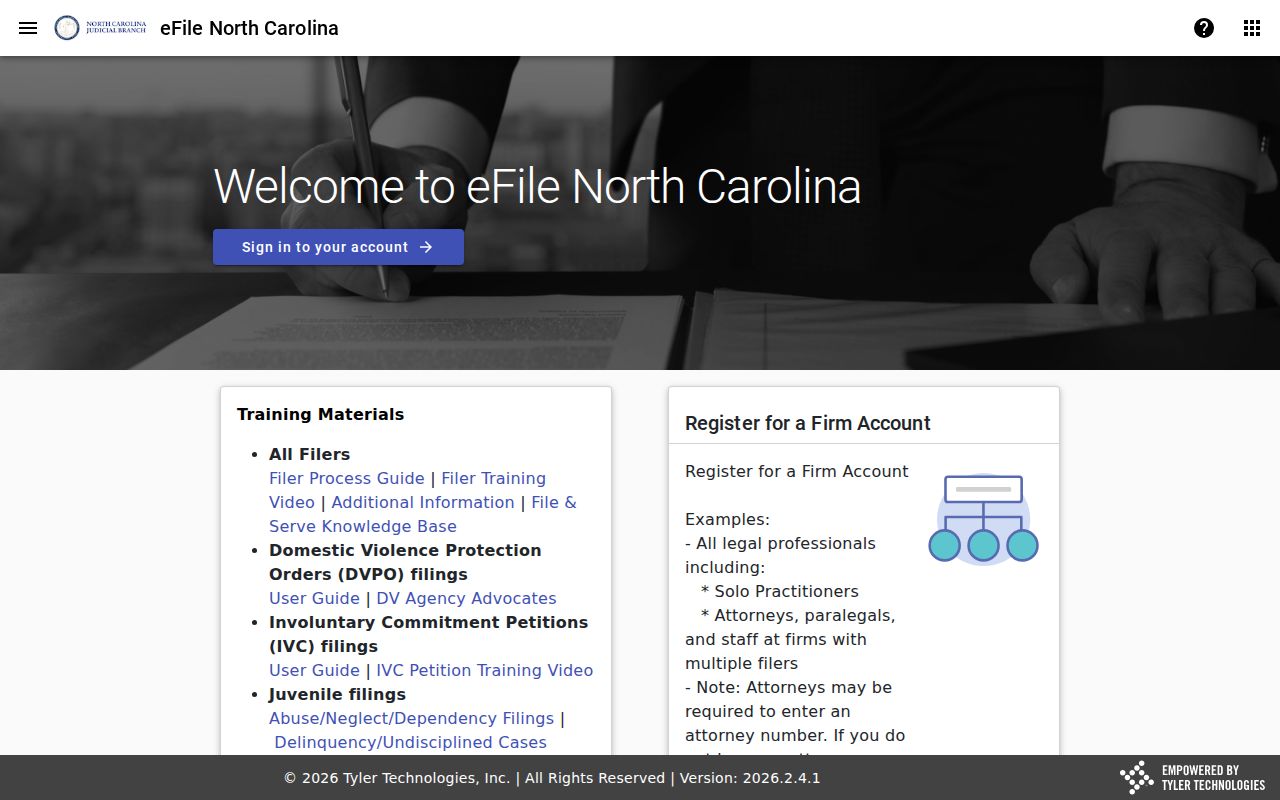
The filing system supports court workflow behind the scenes. For searching available Wilson County case information, the public Portal is the route.
What a Wilson County Case Search Returns
Click an underlined result number and the public Case Summary opens. Official Portal material lists what may appear. Sections include Case Information, Assignment Information, Party Information, chronological public events, hearings when present, dispositions, and financial information when present. Civil, family, probate, and mental-health records can also show Causes of Action where applicable.
No record shows every section. Public documents may be restricted or unavailable. A financial entry is not a current hearing. For the complete public case summary, use Smart Search. NC Judgment Search is not the whole case timeline.
| Case number | The clickable record identifier that opens the Case Summary. |
|---|---|
| Case and assignment information | Public case-level and assignment sections when available. |
| Party information | Publicly displayed case participants, subject to access limits. |
| Chronological register | Public case events in the Register of Actions. |
| Hearings / disposition | Sections shown when information exists for the matter. |
| Financial information | A section displayed when the record has information to show. |
Wilson County Case Search Filters
Filters can shrink a crowded Wilson County case lookup fast, but pick them with care. The portal lets you narrow by location, party details such as date of birth, case type, case status, and a filing-date range. That keeps a wide search manageable. Results shown to the public hide the month and day of birth. The year alone still separates a common name without exposing the full date.
Pick the case category before the status. Criminal and infraction searches offer Pending, Disposed, Completed, Archived, Remanded, Pending Expungement, Transfer to Another County, Transferred to Superior Court, and Pending Reported to DMV. That list belongs to criminal dockets and traffic tickets. Civil searches use a different list: Pending, Stayed, Reopened, Unserved, and several disposition types. A status that does not fit the category can hide the very case you want.
Two tools answer two questions. NC Judgment Search works well as a public judgment index. Yet it is not the full Wilson County case history. Smart Search opens the public Case Summary instead, with the chronology, hearings, disposition, and financial sections that are available. It serves the broader docket search. Match the portal result to your question. Don't treat every tile as the same record.
Note: A narrow filter only helps when it fits the record type being searched.
Statewide vs County Case Search
The Portal is one statewide Judicial Branch service, not a pair of databases. The same Smart Search can run broadly or be narrowed to Wilson County, and a Wilson-filtered query is the practical county search for a local case. There is no separate Wilson civil, criminal, municipal, or traffic portal to check first.
| Portal statewide query | Wilson County-filtered query |
|---|---|
| Searches public records across participating North Carolina locations. | Uses the same Portal with Wilson County selected as the location. |
| Useful when the filing county is uncertain. | Useful when the case is known to have been filed in Wilson County. |
| Can return same-name results from other counties. | Reduces unrelated county results before opening a Case Summary. |
| Does not replace the clerk for certified documents. | Also does not replace the Wilson Clerk of Superior Court for official copies. |
Wilson County Case Results and Documents
Portal training and resources make one thing clear: public access is not universal document access. The Case Summary gives everyone the index and chronology. Beyond that, access varies. A filed document may be public, redacted, or restricted. It may be unavailable online, or viewable only at the clerk's office. A certified copy is a separate record the clerk produces.
Keep the exact case number when a result names the case but not the document you need. Then contact the Wilson Clerk of Superior Court. That same step covers older files, a missing public image, or anything requiring certification. The Judicial Branch Portal training page lays out the public-search and access features. Those features apply to Wilson County cases.
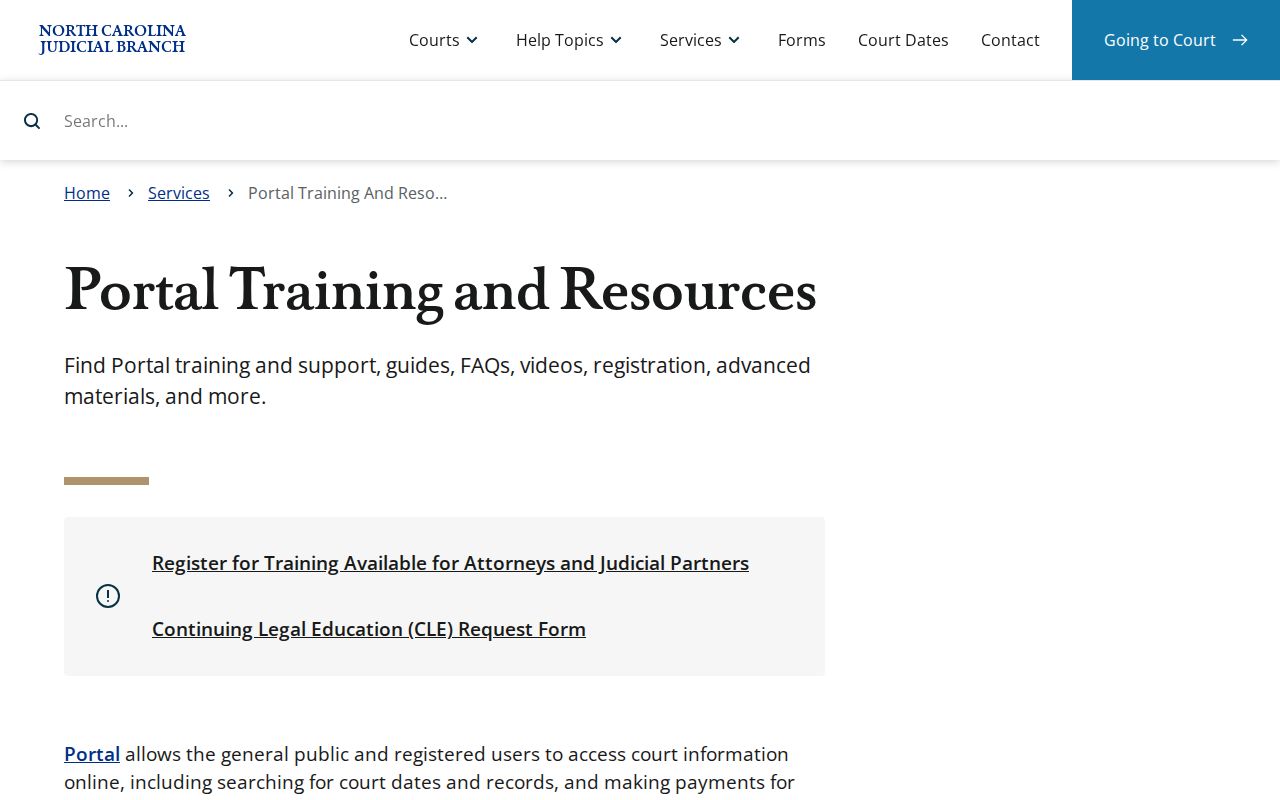
Official training separates the public Case Summary from restricted materials and clerk-held case-file copies.
Access and Restricted Cases
Public case access has real limits. The portal does not open sealed or confidential records or sensitive documents to public viewing. Juvenile records stay closed to public inspection. The exception is only what law or court order permits under G.S. 7B-3000. Some domestic-violence information faces online display limits even when the case category itself is public.
A missing result can mean many things. It may be a spelling slip, wrong county, formatting error, or conversion issue. It could also be a restriction, sealing, expunction, or no matching case at all. Registering an account removes none of those walls. For restricted material, ask the Wilson Clerk what authority or court order is required. A general Portal account is not access permission.
Note: Public registration saves cases. It does not grant the statutory Elevated Access needed for restricted information.
Wilson County Case Search No-Result Path
A blank screen is not the end. Fix the input first when a Wilson County case search returns nothing. Recheck the name spelling and the Lastname Firstname form. Check the record-number format and the Wilson County location. Then loosen an overly narrow case-type or status filter. Portal guidance warns that an inapplicable status choice can produce incomplete results.
Still nothing? Fall back in order. Try the Portal first, then the clerk counter or public terminal. The right clerk desk by phone is the last stop. Criminal questions go to (252) 206-3000. Civil and Estates or Special Proceedings questions go to (252) 206-3003. A setting question can go to the appropriate trial court coordinator. For the clerk-held file behind a result, use the Wilson County court records process.
The clerk counter shines when the search needs a public terminal or the original file. State guidance permits in-office criminal searches. Those run by defendant name, case number, or victim or witness name. Civil, special-proceeding, and estate inquiries go to the clerk office. Treat a no-result response as a prompt to verify the search path. Do not swap the court record for an unofficial source.