
How to Search Civil Dockets
One statewide tool handles every Wilson County civil docket search: the North Carolina eCourts Portal. There is no separate Wilson civil-court site. Portal Smart Search leads to the Case Summary. Pick Wilson County first. Then search by case number, party, or business name. Results open a Register of Actions built on the Clerk of Superior Court's record.
New Enterprise Justice case numbers follow a set pattern. They carry a two-digit year, case-type letters, a six-digit sequence, and a three-digit county identifier. Grab that final identifier from Portal or a filed record. Public results mask the month and day of birth. Also note that an incompatible filter can hide a valid civil result.
- Open Portal Smart Search and select Wilson County in the location controls.
- Search by exact case number when known, or use a party or business name in the required format.
- Add Civil Actions and a compatible case status only when the first result set needs narrowing.
- Open the matching case number to read its Case Summary, public events, causes of action, hearings, disposition, and financial information when shown.
- Take the record number to the Wilson Clerk of Superior Court when the question concerns a filed paper, an official copy, or a missing public document.
A judgment-index hit can point you to a Wilson County civil case. For the fuller public timeline, though, Smart Search is the better stop for your docket search.
Wilson Civil Docket Filters
Filters trim a long list of results. They never take the place of the basic search details you enter first. The official Portal training resources spell out what you can set: location, party criteria, case type, status, and a filing-date range. Pick Wilson County before anything else. Reach for Civil Actions plus a matching status only when the basic Wilson County civil docket search returns far too much.
| Portal field | Wilson civil use |
|---|---|
| Search type | Party Name, Record/Case Number, Business Name, and related supported identifiers start the public search. |
| Location | Wilson County narrows the result to a Wilson-filed case rather than every similar statewide return. |
| Case type | Civil Actions is the relevant advanced category for a civil docket search. |
| Case status | Published civil labels include Pending, Disposed, Stayed, Remanded, Reopened, and Unserved. |
| Filing-date range | A further narrowing control when a name or business has a broad result set. |
You can view public civil docket entries without registering. A registered account lets you save cases, nothing more. It opens no doors to restricted information. One more quirk comes from Wilson’s April 2025 move to eCourts: events converted from older records may show a 12:00 AM timestamp. Read the event date itself carefully before assuming any court hearing was actually set at midnight.
What a Wilson County Civil Docket Shows
Think of a Wilson County civil Case Summary as a public index rather than a guarantee that every filing is online. What the Portal does show includes case, assignment, and party information, causes of action for applicable categories, a chronological Register of Actions, hearings, dispositions, and any financial information on file. The record stops there. It does not supply caption details, dollar amounts, attorney names, or document links that a visitor might expect. So fill nothing in from guesswork.
| Case number | An Enterprise Justice identifier such as YYCV000000-CCC; use the exact result because the local identifier is dynamic. |
|---|---|
| Case and assignment information | Public case-level and assignment details available in the Case Summary. |
| Party information | The listed parties and public case roles, subject to the Portal’s privacy limits. |
| Causes of action | Applicable civil, family, probate, or mental-health claim categories, not a criminal charge block. |
| Events and result sections | Chronological public events plus hearings, disposition, and financial information when data is available. |
Work through the Case Summary in order. A hearing section flags the current event when one is set. The Register of Actions carries the case history before it. Be careful with the financial section. It lists money and not a court date. A result pulled from NC Judgment Search is not the complete civil docket either.
Wilson Civil Docket Court Levels
Civil filings in Wilson County go through North Carolina's unified General Court of Justice. The dollar amount is the first clue. Superior Court takes civil cases over $25,000. District Court generally handles claims below that line. A magistrate small-claims division inside District Court covers claims up to $10,000. Venue can still shift. A statute or concurrent jurisdiction may place a case in a different court than the amount alone suggests.
| Wilson civil level | Usual record stream | Practical search path |
|---|---|---|
| Superior Court | Civil matters over $25,000 and related Superior Court calendar work. | Portal and the Clerk of Superior Court. |
| District Court | Civil cases generally below $25,000. | Portal and the Clerk of Superior Court. |
| Magistrate small claims | Claims up to $10,000 and associated civil process. | Unified District Court record path through Portal and clerk. |
For statewide jurisdiction background, the Judicial Branch's Types of Courts overview lays out how each level of the General Court of Justice divides civil work.
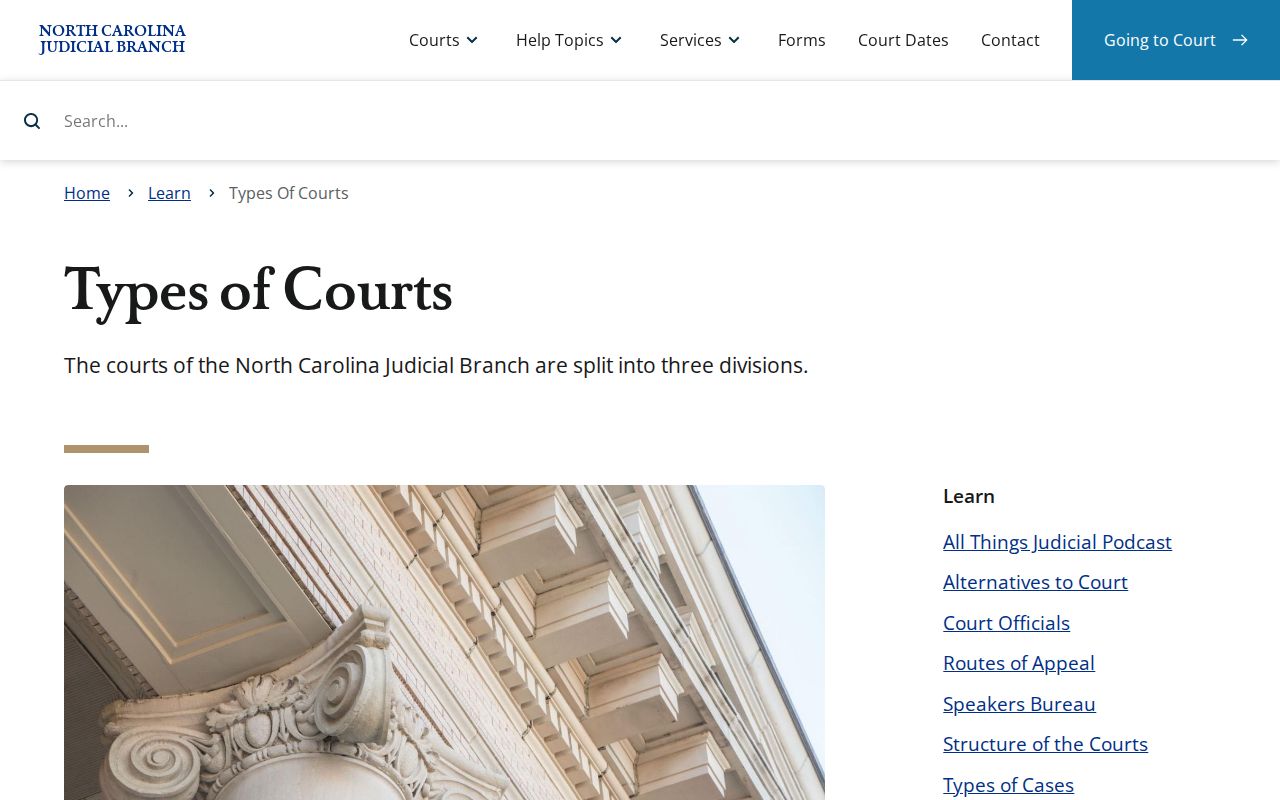
That framework explains the court column in a Wilson County civil docket. The same case can land in Superior Court, District Court, or on a magistrate small-claims path, with no separate county court system in between.
Types of Civil Cases on the Docket
The Portal sorts its public records into broad categories. Civil Actions is one of them. Where it can, it also names the cause of action. On the Wilson County side of the docket, that routing can cover general civil actions, domestic filings, special proceedings, estates, and public magistrate small claims. One office sits behind all of it. That office is the Clerk of Superior Court. Its civil and estates desk is the place to bring local questions about a case lookup.
- Superior Court civil actions that meet the major-civil jurisdiction threshold.
- District Court civil actions generally within the lower-value trial-court range.
- Magistrate small-claims cases and related civil process within the District Court division.
- Public civil domestic filings, with access subject to confidentiality and protected-information limits.
- Estates and special proceedings maintained through the clerk record stream where public.
Case type is a Portal filter category. It can't replace reading the record itself. A transfer, appeal, or remand can shift where later docket entries land, so the type alone may point you to the wrong court. Check the public Case Summary or ask the clerk to confirm the actual route a Wilson County case took.
Wilson Civil Docket Status Terms
Portal's status labels can narrow a Wilson County result fast. They are not a clerk-entry glossary, though, and no label decides an event's legal effect. Read the chronological docket first, then turn to the clerk for the official order, judgment, or final action.
- Pending
- The public status indicates the case remains unresolved in that record stream.
- Stayed
- A published civil status that identifies a stay; the Case Summary supplies the surrounding event history.
- Remanded
- A published status that can show a matter returned from a higher level or other tribunal.
- Unserved
- A published civil status; it should not be read as a complete case narrative without the record context.
- Disposed
- A category for a concluded or resolved stage, with several more specific disposition labels in the Portal guide.
NC Judgment Search works well for a party, a case result, or an index date. It is not the whole docket, though. For the full run of public civil events, go back to Portal Smart Search. When a judgment image or other filed paper is not online, ask the Wilson Clerk. Ask the clerk to pull the case file.
Settings and Hearings on Civil Dockets
Need the date and time for a Wilson County civil hearing? Start with live tools, not the docket's older entries. Portal Search Hearings lets you filter by location, hearing type, search method, and date range, and it returns the time and place. The Case Summary page can add a Hearings section, and Wilson County links its official civil calendar service too.
When a setting looks moved or half-finished, check the Portal against the Case Summary and the calendar. Two people can help settle it: the Superior court coordinator at (252) 206-3016 and the District coordinator at (252) 206-3012. One gap remains either way. Portal never says whether a hearing is virtual or in person. Call before you drive.
One caution about old civil docket entries. A past entry may show how a setting changed. Standing alone, though, it proves nothing about today's time, place, or format.
Wilson Civil Docket Calendar Forms
Wilson County puts its own local paperwork behind the civil calendar. The local rules and forms page lists five items. There is a Calendar Request for Superior Court and a Civil Case Status Report. There is also Civil Superior Court Rules, Civil Calendar Rules, and a Request for Peremptory Setting. Those local forms and rules can affect how a civil docket event comes together. The Portal still has one job. It stays the public tool for case history.
One caution. A calendar request or peremptory-setting form is just a label in the file. It is a request, not proof that a hearing has been set. Match the real hearing details against the current form, the rule, and the coordinator's confirmation. Only then rely on them.
Calendar distinction: Portal shows public case history and current hearing information when available; a Wilson local calendar form addresses a court process and should be read with the current court instructions.
Public Access to Civil Dockets
Two doors lead to Wilson County civil dockets: Portal and the Clerk of Superior Court. G.S. 7A-109 makes the clerk's job clear. Records, files, dockets, and indexes must be kept, and anyone may inspect them during regular office hours unless a law blocks access. When civil material never made it online, the courthouse counter and its public terminal still matter.
Limits exist, though. Sealed, confidential, and otherwise protected material stays off-limits. Not every document or data field reaches the public internet. A case that turns up empty may simply reflect its format, the county, a conversion gap, a restriction, or the absence of any matching public record.
Key Rules:
G.S. 7A-109 establishes the clerk’s recordkeeping role and the regular-hours inspection rule unless law bars access.
G.S. 132-6.2 addresses record formats and copy charges without requiring creation of a new record.
G.S. 7B-3000 makes juvenile records confidential except as its statute or a court order allows.
The official public-record format statute is the source for the format and copy-charge distinction.
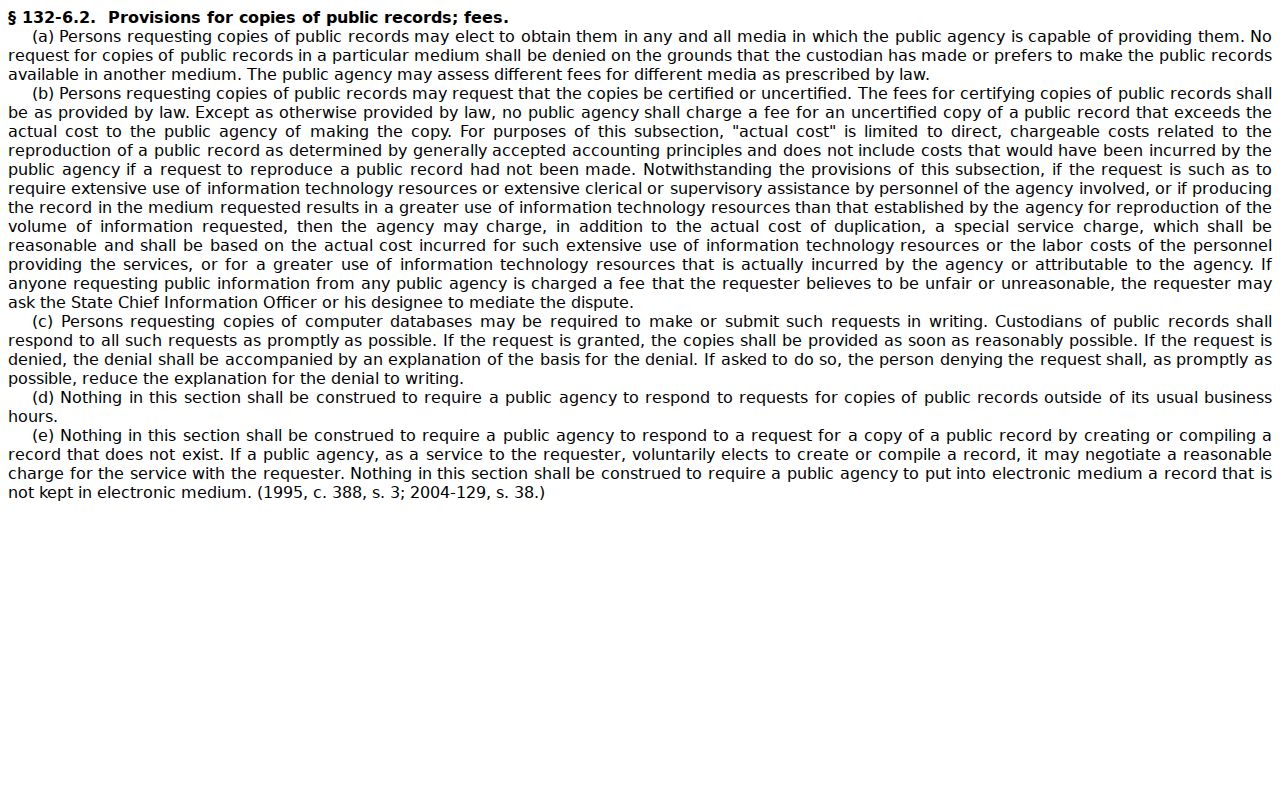
Need the file for a Wilson case? Go to the Clerk of Superior Court. That stays true even when an agency-level public-record process exists for a different kind of record, because Wilson case files belong with the clerk.
Wilson Civil Docket File Fallback
When a Case Summary leaves out a document, judgment, or certification you need, do one thing. Fall back on the Wilson clerk. The courthouse sits at 115 E. Nash St., Wilson, NC 27894. The Civil and Estates/Special Proceedings section answers at (252) 206-3003. Have the case number ready. Say whether you want a docket sheet, a filed paper, an ordinary copy, a certificate under seal, or an exemplification.
The Judicial Branch's Obtaining Court Records guidance puts local files where they sit: view them at the clerk office where they are located. One caution applies here. The NCAOC public-record form covers administrative records, not Wilson case documents.
Call about current cost and delivery before you mail any payment. The fee chart sets a $2 first copied page and $0.25 for each additional page. A certificate under seal costs $3. An exemplification runs $10. No Wilson certified-docket price appears on it, so ask the clerk directly for that figure.