
How to Search the Wilson County Court Docket
Start at the North Carolina eCourts Portal. Wilson County joined eCourts in April 2025. Portal now carries the public Case Summary, also called the Register of Actions, for public cases. Bring a case number if you have one. A party name or citation number works too, though a precise number cuts down common-name noise in the Wilson County court docket results.
Portal is only part of the path. When a search comes up empty, you may need a courthouse terminal, the right clerk desk, or a trial court coordinator who knows the current setting. Remember that the online return is a public summary drawn from the clerk's record. It is not a certified court document.
- Open Portal Smart Search and select or filter to Wilson County.
- Choose Party Name, Record/Case Number, or Citation Number and enter the available identifier.
- Use Case Type, Case Status, or filing-date filters only to narrow a broad Wilson County return.
- Open the underlined case number to read the public Case Summary and any displayed hearings or financial information.
- Confirm an uncertain date with the calendar channel or clerk, and ask the clerk for a copy that must be official or certified.
Wilson County Portal Smart Search
Portal Smart Search gives Wilson County a single public index for state court cases. You can search it by party name, record number, citation number, attorney information, business name, cross-reference number, or even a nickname. Try an exact name first. The Judicial Branch training materials suggest broadening the search only if that fails. For party names, type them in the published Lastname, Firstname order.
This Portal source opens the official Portal home screen itself.
Filter your results to the Wilson County location first. Only then should a hit count as a true Wilson County court record.
| Portal field | Use in a Wilson County search | Format or limit |
|---|---|---|
| Search Type | Sets name, record, citation, attorney, business, or nickname search. | Select a supported type first. |
| Search text | Supplies the identifying value. | Use the published name format or exact record number. |
| Location | Narrows a statewide return to Wilson County. | Important for cross-county towns. |
| Case Type and Status | Refines a large result set. | A mismatched status can hide matching cases. |
What a Court Docket Shows
Open a case and the Wilson County Case Summary gathers what Portal may publicly display. Expect case, assignment, and party information, plus a chronological public register of filings and hearings. Dispositions and financial information appear too. Causes of action show up as well, in civil, family, probate, or mental-health cases that use them. A field shows up only when it has something to report. So a blank field tells you nothing beyond absence in Portal. It does not mean the clerk's full file lacks it.
| Case number | A formatted record identifier: year, case-type letters, sequence, and county identifier. |
|---|---|
| Case and assignment information | Portal sections that identify the matter and assignment when public information is available. |
| Party information | Publicly displayed case participants; public date-of-birth returns mask month and day. |
| Chronological register | Public case events forming the Case Summary or Register of Actions. |
| Hearings and disposition | Setting information and outcome/status fields when the record supplies them. |
| Documents | Availability varies; a Portal view does not establish that a document is public or certified. |
Note: Portal works well for a Wilson County court docket search. When you need a precise or certified document, though, the clerk's record still controls.
Wilson County Docket Timestamps After eCourts
Wilson County joined the state's Odyssey system in April 2025 as part of Track 8. That switch left a quirk worth knowing. Portal guidance warns that events created before a go-live may display a converted time of 12:00 AM. So a midnight docket entry often means data conversion, not the real hour the event happened. Check the event description and date together. If timing truly matters to the case, ask the clerk to confirm it.
The state eCourts page describes the Enterprise Justice system. That system now runs Wilson County case management and Portal access statewide.
Better search access has limits, though. Conversion does not give every older Wilson County docket entry a full document image online.
Which Courts Keep Dockets in Wilson County
Wilson County sits inside North Carolina's unified General Court of Justice. One Clerk of Superior Court serves the whole courthouse. The same office keeps the docket for Superior Court, District Court, clerk and probate matters, magistrate and small-claims proceedings, criminal cases, infractions, and traffic. What changes from case to case is the case type and court division, not a separate county-run municipal court, because none exists here.
| Court or stream | Docket covers | Wilson County search path |
|---|---|---|
| Superior Court, District 8BC | Felonies, major civil actions, and relevant appeals. | Portal, Clerk, and Superior Court calendar. |
| District Court, District 8 | Misdemeanors, infractions, family, juvenile, traffic, and lower-value civil matters. | Portal, Clerk, and District Court calendar. |
| Magistrates and Small Claims | Small claims, civil process, and preliminary criminal functions. | Clerk or Portal when public; magistrate contact for local routing. |
| Clerk probate stream | Estates and special proceedings. | Estates/Special Proceedings desk and Portal when public. |
Wilson County Clerk Desks and Case Files
Don't expect one phone number to cover everything. Wilson County's directory splits criminal questions from civil ones and from estates or special proceedings. The Criminal desk answers on the courthouse main number. Civil and Estates/Special Proceedings use a separate published number. That routing helps you reach the section that actually holds the file.
The Wilson County contact directory lists each local service. It also gives its phone routing.
The right clerk desk can clear up a document that is missing from public view, lay out your options for reviewing a case file, and quote the cost and steps for plain or certified copies.
Finding Court Dates and Settings
Need a Wilson County court date? Start with Portal Search Hearings. The Hearings section of a Case Summary helps when one shows up, and so do the civil or criminal calendar links on the county court page. Search Hearings lets you narrow by location, hearing type, date range, and a search method. You can look up a case by party, business, attorney, judicial officer, courtroom, or case number.
Treat any setting you see as tentative. Dates move. Compare the Portal hearing record with the case summary. Cross-check the North Carolina calendar service, and then phone the coordinator who manages that calendar. The Wilson County court calendar page spells out the full confirmation path.
Wilson County Search Hearings Confirmation
Search Hearings has limits worth knowing. It does not flag a hearing as virtual or in person. And an old entry on the docket only proves an earlier setting existed at some point.
The county's local rules cover the paperwork that actually schedules things. That includes the Calendar Request for Superior Court, Civil Case Status Report, Notice of Hearing, Request for Peremptory Setting, and criminal or infraction continuance material. Filing those forms is a separate task from simply reading a public docket return.
Use the Wilson County local rules and forms page for the current versions. The court maintains it.
Still stuck on a setting? Call the Superior Court Trial Court Coordinator at (252) 206-3016 or the District Court coordinator at (252) 206-3012.
Public Access to Court Dockets
Wilson County works from a simple rule. The clerk keeps records, files, dockets, and indexes open for inspection unless a law says otherwise. Some things stay shut. Juvenile, sealed, confidential, and sensitive material is off limits online and at the counter unless you have the required authority. For everyday case information, Portal is the public starting point. The local Clerk of Superior Court keeps the actual case file and issues official copies.
Key Rules:
G.S. 7A-109 requires clerks to maintain court records and generally opens prescribed records to inspection during regular hours.
G.S. 132-6.2 addresses public-record formats and copy charges without requiring a new record to be created.
G.S. 7B-3000 limits public inspection of juvenile records.
Wilson County Public Docket Limits
Registration adds convenience, not access. A Portal account lets a user save cases, but the public view stays the same. Elevated Access goes only to people and agencies whose statutory authority has been verified. Date-of-birth results shown to the public mask the month and day. Sealed or confidential documents do not sit in ordinary Portal material. And a no-result return has many possible causes. Search format, county location, conversion, restriction, or indexing can all play a part.
A public Wilson County court docket result that looks incomplete calls for a next step. Take it at the clerk counter or a public terminal. The Judicial Branch records instructions say it plainly. The case file is viewed at the clerk office in the county where the case sits.
Wilson County Clerk Counter After No Results
An empty Portal return does not mean Wilson County holds no file. Before concluding anything, check the spelling. Check the county location too. Confirm the case-number format, and ask whether the category is restricted. Portal's own search guide offers a warning. A status filter mismatched to the case type can push a responsive case out of the return. One more trap exists. A citation or case caption can name another county even when the event happened in a Wilson County town.
If the search still fails, work the clerk path in whatever order fits the question. The courthouse counter and the public terminal serve local file research well. Criminal or infraction routing belongs with the Criminal desk. Civil and Estates/Special Proceedings handles its published streams. For a court-date question, check the online hearing and calendar tools first. Then turn to the appropriate trial court coordinator.
| Need | Best Wilson County channel |
|---|---|
| Public case-history search | Portal Smart Search, filtered to Wilson County. |
| Current setting confirmation | Search Hearings, calendar, then the Superior or District coordinator. |
| Older file or public document question | Clerk counter or public terminal at the Wilson courthouse. |
| Official or certified copy | Clerk-directed request after identifying the case and document. |
Note: The statewide agency public-record request form covers agency-held administrative records. It is not a substitute for a Wilson County court-file request.
The Clerk and Docket Records
The Wilson County Clerk of Superior Court keeps the county's local docket and case files. Portal can surface a public Case Summary. But the clerk office is still the practical fallback. An older file, a question about a document, a certified copy, or a result needing confirmation all lead there. State guidance points the same way. Court-file requests go to the county clerk, not to the statewide agency public-record request form.
Say exactly what the request seeks. A Case Summary, a filed order, a judgment, a plain photocopy, a certificate under seal, and an exemplification are different asks. Each comes with different prices. Statewide cost materials list $2.00 for the first copied page of a document. They list $0.25 for each additional page, $3.00 for a certificate under seal, and $10.00 for an exemplification. No single Wilson County price covers every docket sheet or certified copy. So confirm the service, the payment method, and the amount with the clerk. Do that before sending money.
The Wilson County Courthouse page publishes the courthouse location and its regular hours.
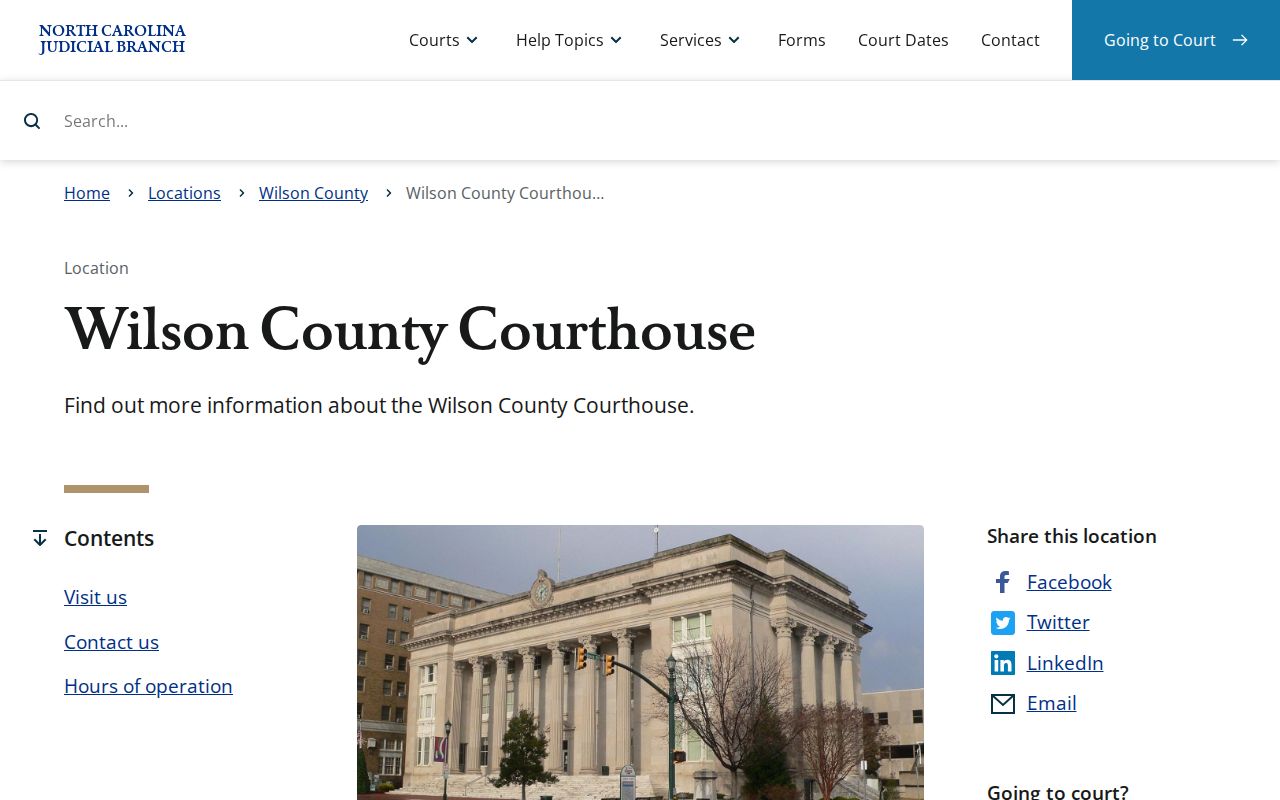
Once Portal identifies the right case, the courthouse is the in-person route. File inspection and clerk-directed copy requests both happen there.
Wilson County Clerk of Superior Court
Wilson County Courthouse
115 E. Nash St.
Wilson, NC 27894
(252) 206-3000
Monday through Friday, 8:30 a.m. to 12:30 p.m. and 1:30 to 5:00 p.m.
Wilson County Case Data Is Not a Docket
The Judicial Branch's data tools give broad court-system context. They are not a case lookup. The Case Statistics Dashboard can filter selected counties by fiscal year and display filing, disposition, pending, criminal, and civil categories. Someone hunting a hearing or a filing should use Portal Smart Search or Search Hearings instead. Statistics are not an individual Wilson County court docket. The official Data and Statistics page describes the dashboard's public court-data sources.
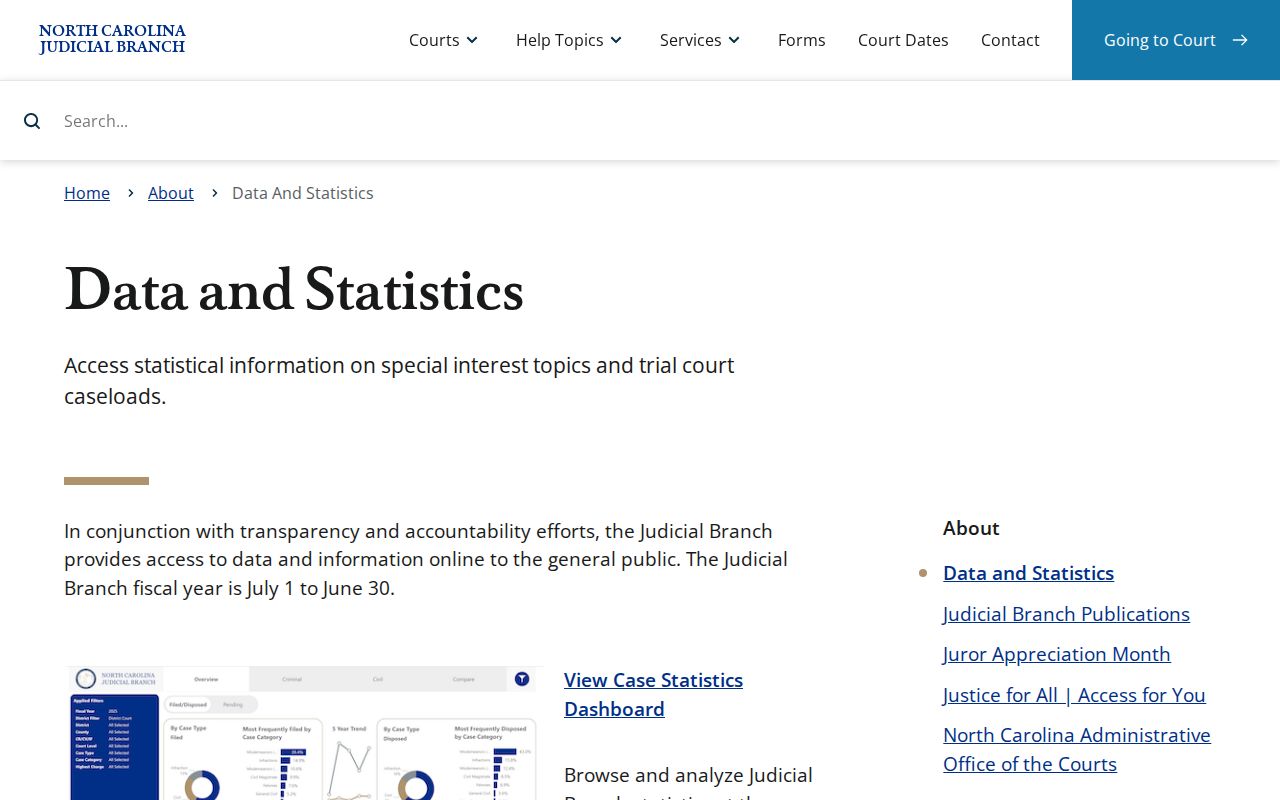
Pull Wilson-specific numbers from a live dashboard filter, not a statewide total.
Wilson County Case Numbers and Name Searches
A Portal case number breaks into four parts. There is a two-digit year, case-type letters, a six-digit sequence, and a three-digit county identifier. The official guide offers a format example. Even so, read the county identifier from the actual Wilson County case. Do not borrow one from another county. The number is the clearest key. It separates similar names and confirms that a result belongs to the expected court stream.
Name searches still work when no number is at hand. Enter an individual name last-name-first, the published pattern, and start narrow. Portal permits wildcards once the minimum characters are met. A broad return should then be tightened. Add Wilson County, an available filing range, or the correct case type. Public birth-date returns hide the month and day. A matching year is just one detail. It does not prove two people or two cases are the same.
- Case Summary
- The public Portal summary of case information and docket entries derived from the clerk's official record.
- Record number
- The formatted identifier that opens the selected Wilson County case in Portal.
- Location filter
- The control that narrows a statewide search to the filing county.
- Elevated Access
- Verified statutory access for authorized users, not a benefit of ordinary Portal registration.
Note: A precise Wilson County case number helps locate the right public record. The clerk still decides whether a requested document or certification can be provided.
Court Dockets by City in Wilson County
Rank the municipalities by whole-place 2020 Census population. The five leading incorporated places are Wilson City, Sharpsburg, Kenly, Elm City, and Lucama. Several municipalities spill across county lines. A town name alone therefore proves nothing about where a case was filed. For a Wilson-filed matter, filter Portal to Wilson County. Remember the local clerk keeps the state-court file. None of these municipalities operates its own municipal court docket for state criminal, civil, or traffic cases.
Wilson City Court Docket
2020 Census population 47,851. City court and divorce record requests route to the Wilson County Clerk.
Sharpsburg Court Docket
2020 Census population 1,697. Verify filing county because Sharpsburg spans three counties.
Kenly Court Docket
2020 Census population 1,491. A Wilson-filed case belongs in Portal and the Wilson clerk path.
Elm City Court Docket
2020 Census population 1,218. Search by case number and filing county, not town name alone.
Lucama Court Docket
2020 Census population 1,036. Town services and state court records have different custodians.
Map and Directions to the Wilson County Courthouse
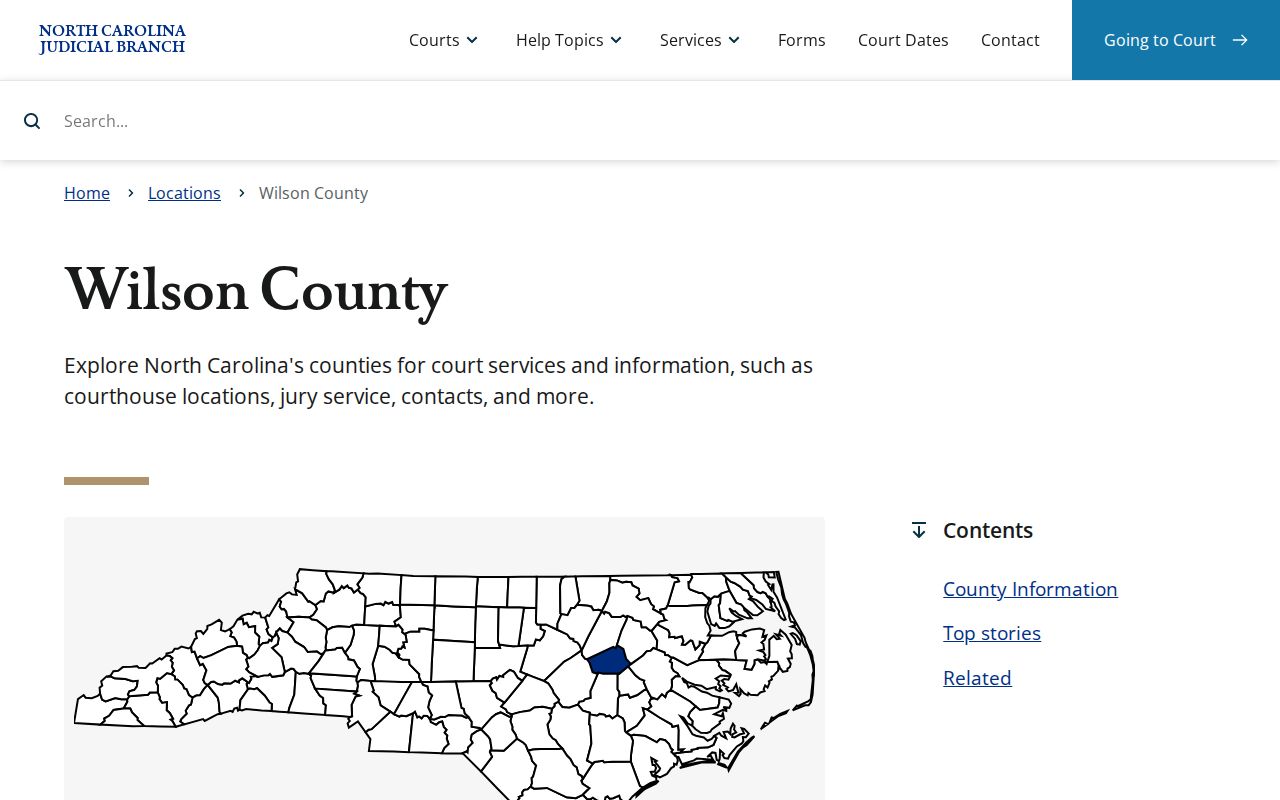
Wilson County's Superior and District Court files, and the Clerk of Superior Court's criminal, civil, and estates desks, are all kept at the Wilson County Courthouse, 115 E. Nash St., in downtown Wilson. It is the county's one courthouse, so cases from Sharpsburg, Kenly, Elm City, and Lucama are also filed and heard here.
Wilson County Courthouse
115 E. Nash St.
Wilson, NC 27894
(252) 206-3000
Monday through Friday, 8:30 a.m. to 12:30 p.m. and 1:30 to 5:00 p.m.
The clerk's office closes for lunch between 12:30 and 1:30 p.m., so plan a visit around that gap. The official courthouse listing does not publish a parking or security-screening policy, so calling (252) 206-3000 before a trip is the best way to confirm current access.